
Figma Designs & Artifacts
Twenty years of turning complex problems into things people actually want to use.I design experiences, not just screens. From banking platforms to government services to the tools that will define how humans and AI interact — this is the work.
How I Work
I bridge the gap between what the business needs and what the user actually wants. That means strategic design artifacts — from rough wireframes to pixel-perfect prototypes — whatever the team needs to move confidently from idea to implementation.
Every artifact serves a purpose. High-fidelity designs align stakeholders and give developers a clear target. Low-fidelity wireframes let us iterate fast and validate ideas before investing heavily. The right fidelity at the right time — that's the skill.
Olympic Mobile App (2022)
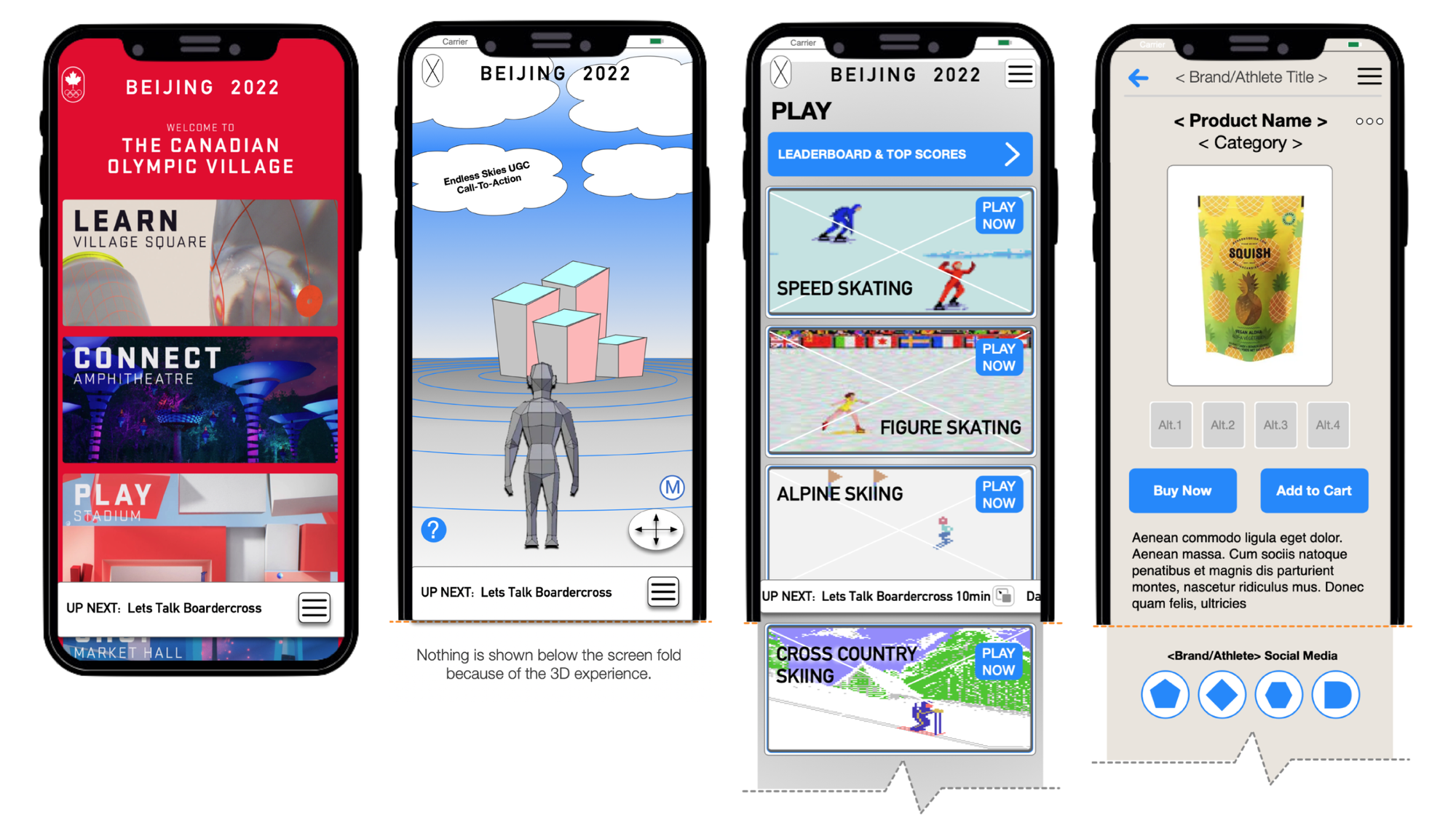
High-fidelity prototype for a Winter Olympic Games mobile app. The project was ultimately shelved due to organizational changes, but it shows how I approach large-scale, consumer-facing design — translating ambitious requirements into clean, user-centered interfaces under real constraints.
- Complex interaction patterns for global-scale events
- Detailed UI specs for cross-functional dev teams
- Pixel-perfect delivery to accelerate development
Live Design Challenge: Concept to Strategy
This is a real-time design exercise I use to show how I work under pressure. One hour, one feature, from problem statement to working prototype in Figma. Here's the breakdown:
- Goal: Design a product feature within one hour, showing the full process.
- 15 min — Discovery: Understand the problem, define the constraints, align on what success looks like.
- 20 min — Flow Mapping: Map the user journey visually so the team can see the experience before any screens get built.
- 25 min — Design: Build the core screens iteratively, incorporating feedback in real-time.

The artifact flow below shows the full methodology — start with the problem, build shared understanding, then design with the team, not in isolation.
Discovery & Alignment (15 minutes)
Start by reflecting the request back. Make sure everyone agrees on what we're building and why before touching a design tool.
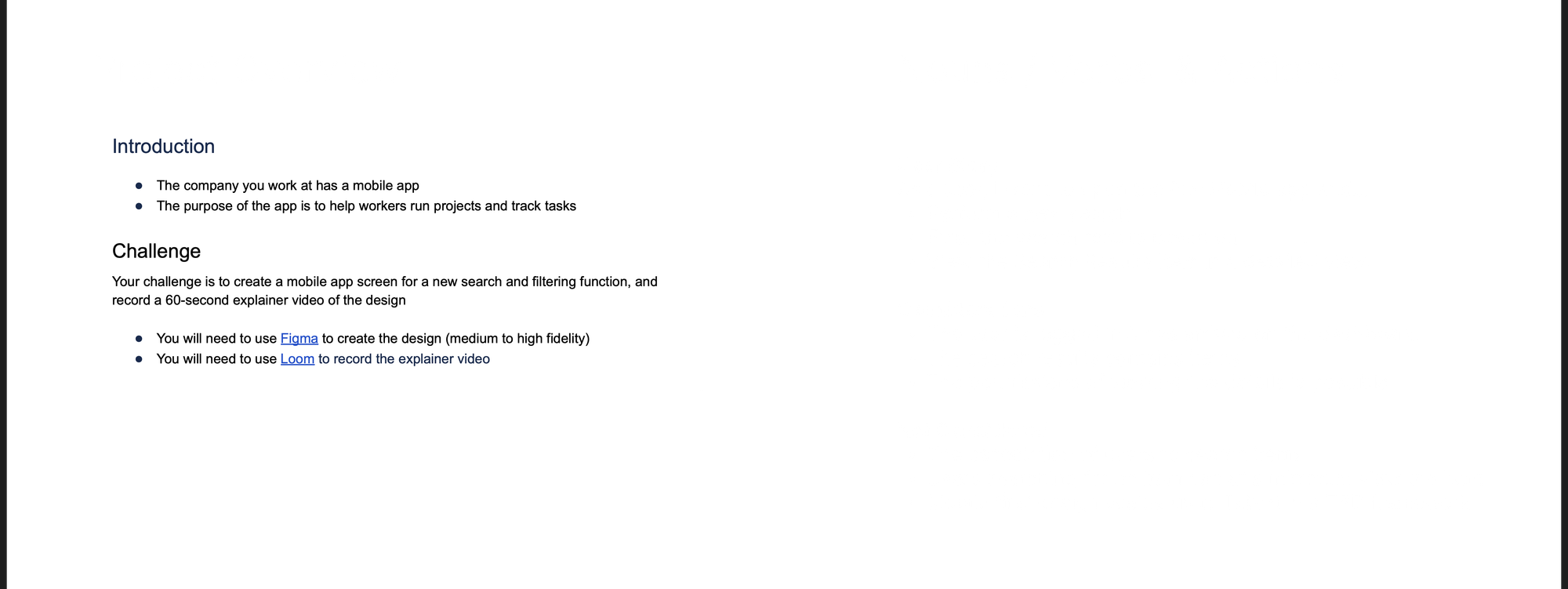
- Clarify requirements and constraints
- Define what success looks like for the user
- Set scope boundaries for MVP delivery
Strategic Flow Mapping (20 minutes)
Map the ideal user flow visually. This is where the team aligns on the experience before any screens get designed. It surfaces edge cases early and gives everyone a shared mental model.
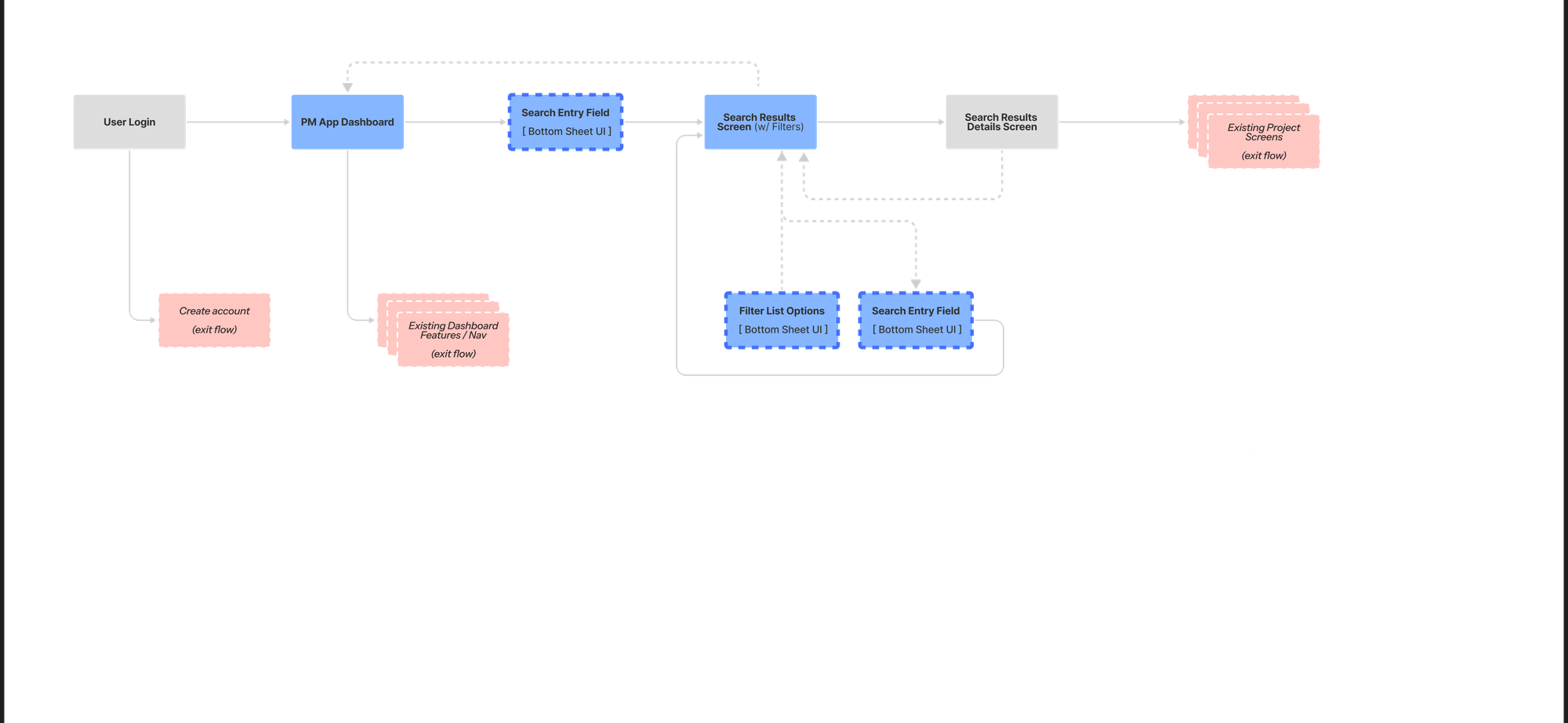
- Visualize the user journey end-to-end
- Identify critical interaction points and edge cases
- Get real-time stakeholder input
Why This Matters
This exercise isn't about speed for its own sake. It shows how structured methodology turns ambiguity into actionable design. Start with shared understanding, move through visual problem-solving, deliver something the team can build from.
- Navigate ambiguity with a clear process
- Facilitate collaborative decision-making
- Balance speed with thoroughness
Need someone who can think strategically and execute fast? vergel [at] humanjava.com
Gallery
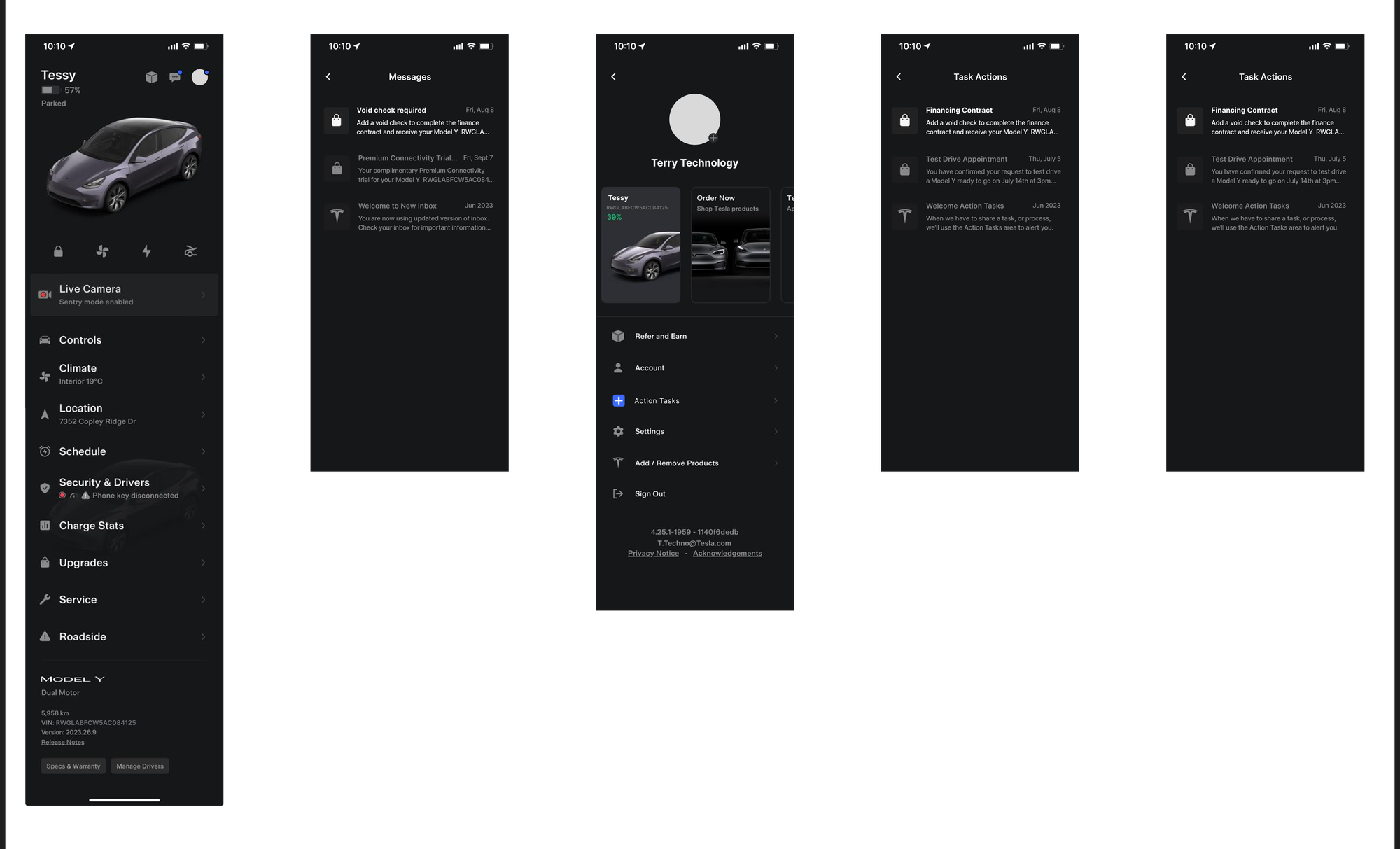
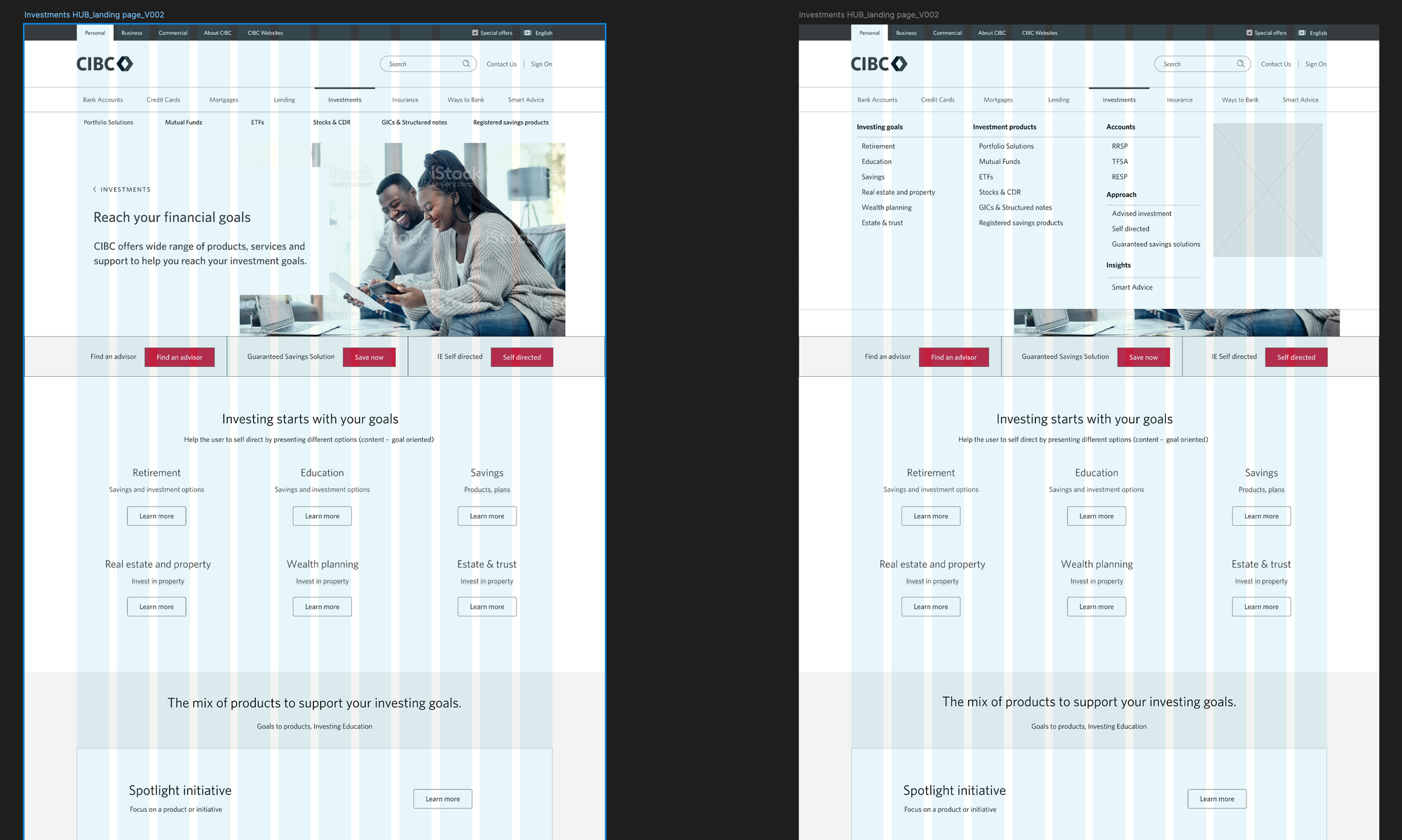
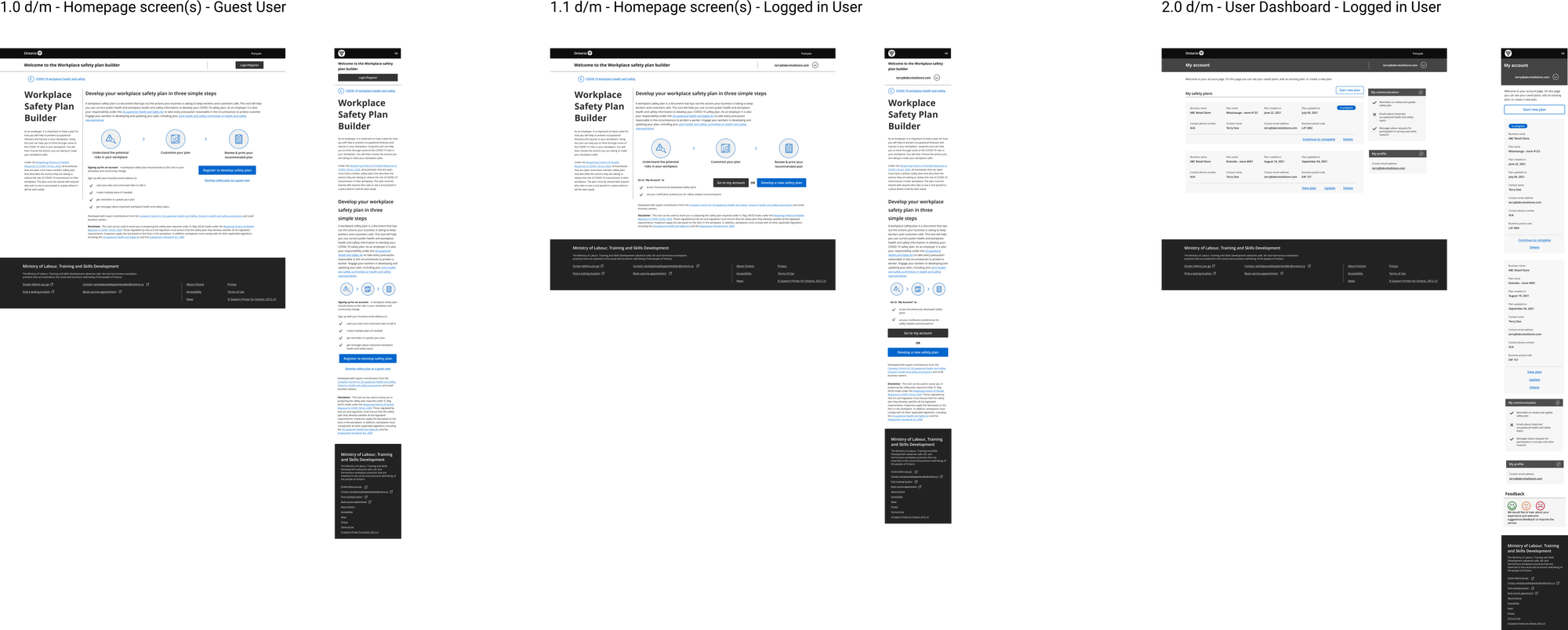
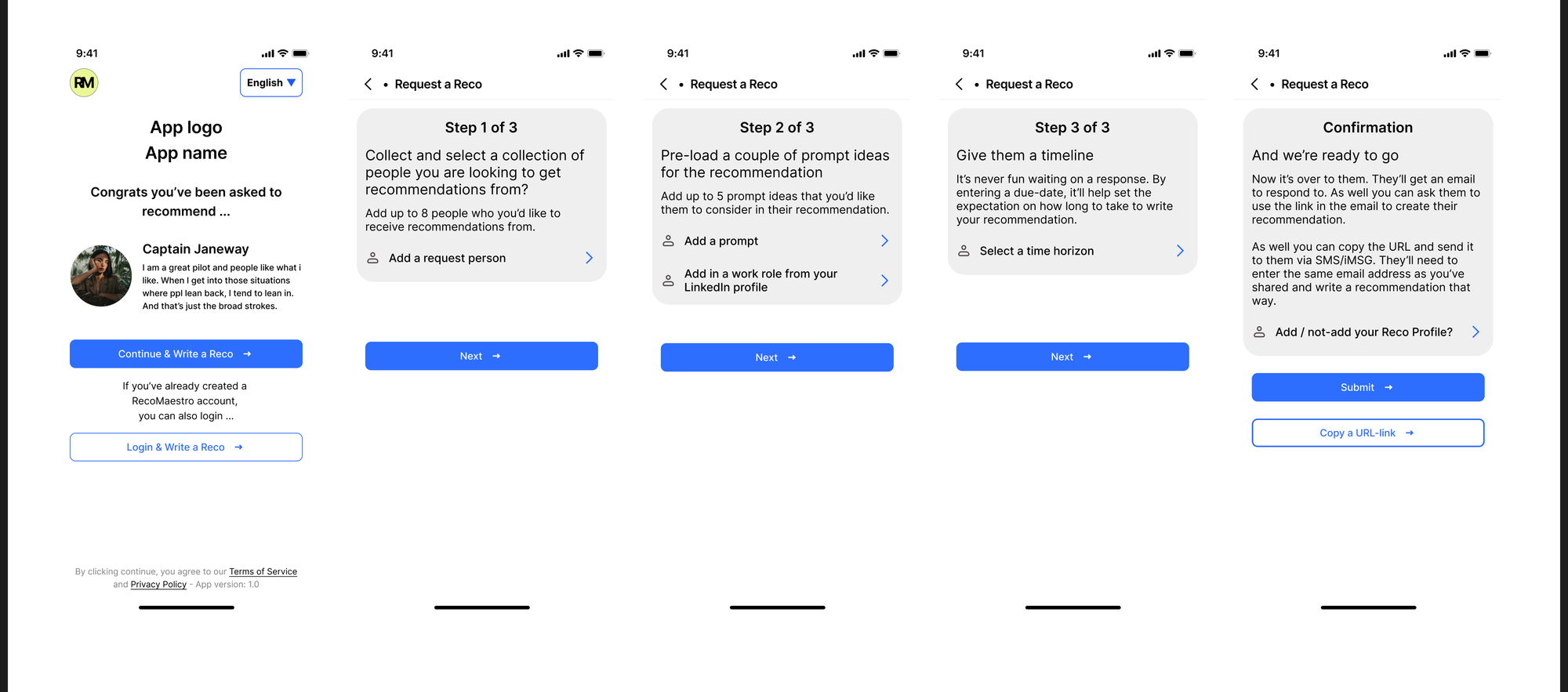
Figma designs from various projects
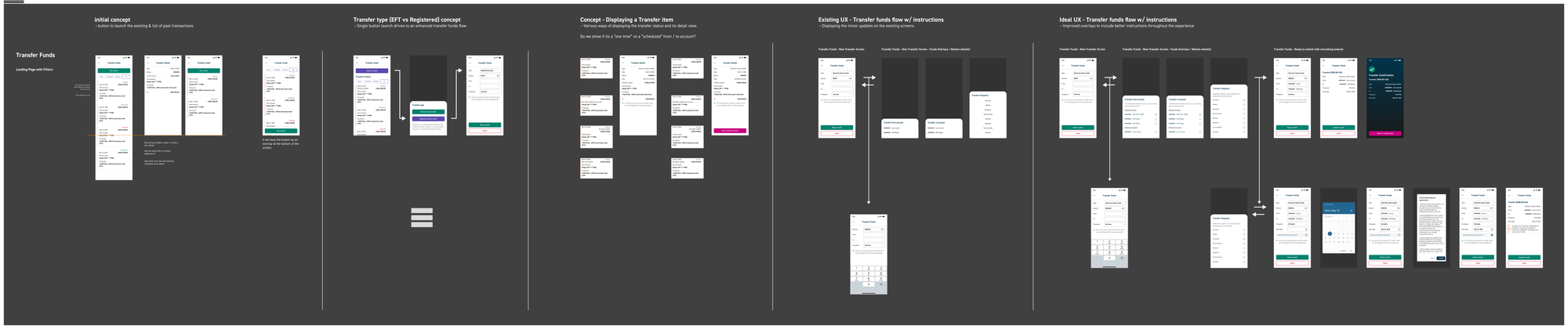
A sampling of deliverables across different clients and industries. Not every screen from every project — just enough to show the range.
What Ties It Together
Every project above came with different constraints — different teams, timelines, tools, and politics. What stayed consistent was the approach: understand the problem before designing anything, stay close to the people building it, and make sure the work actually ships.
- Matching design fidelity to what the project actually needs — not what looks impressive in a portfolio
- Bridging the gap between what the business wants and what users need
- Producing specs and documentation that developers can actually build from
Tools I Work With
- Figma — my primary tool for design systems, prototyping, and collaboration
- Material Design and enterprise component frameworks
- Rapid prototyping for testing ideas before committing to code
- Developer-ready documentation and handoff specs
Let's Talk
Whether you're building something new, fixing what's broken, or figuring out how to scale your design practice — I've probably seen a version of your problem before. Here's what I bring:
- 20+ years doing this across startups, enterprise, and everything in between
- A track record of shipping — not just designing, but getting things built
- A collaborative style that makes teams better, not dependent
Reach out at vergel@humanjava.com and let's figure out what good design looks like for your project.